top of page
Scan to Pay via PhonePe
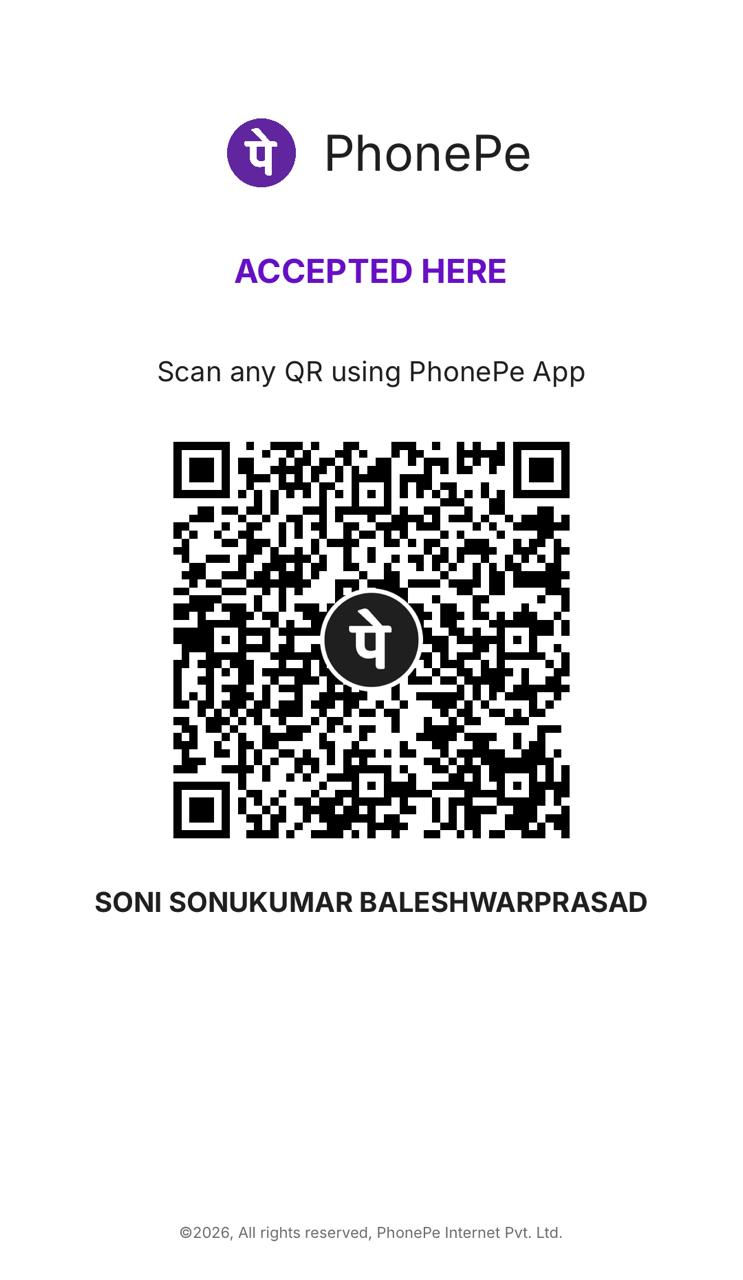
Use the PhonePe app to scan
Step 1
Open PhonePe and scan the QR code displayed above.
Complete Your Booking
Follow these simple steps to confirm your professional services from AnalyticaX
Step 2
Pay the exact amount for your chosen AnalyticaX service.
Step 3
Add a note with your Name + Service name before paying. e.g
Raj Sinha + SQL
Step 4
Share screenshot on WhatsApp to confirm your booking.
bottom of page